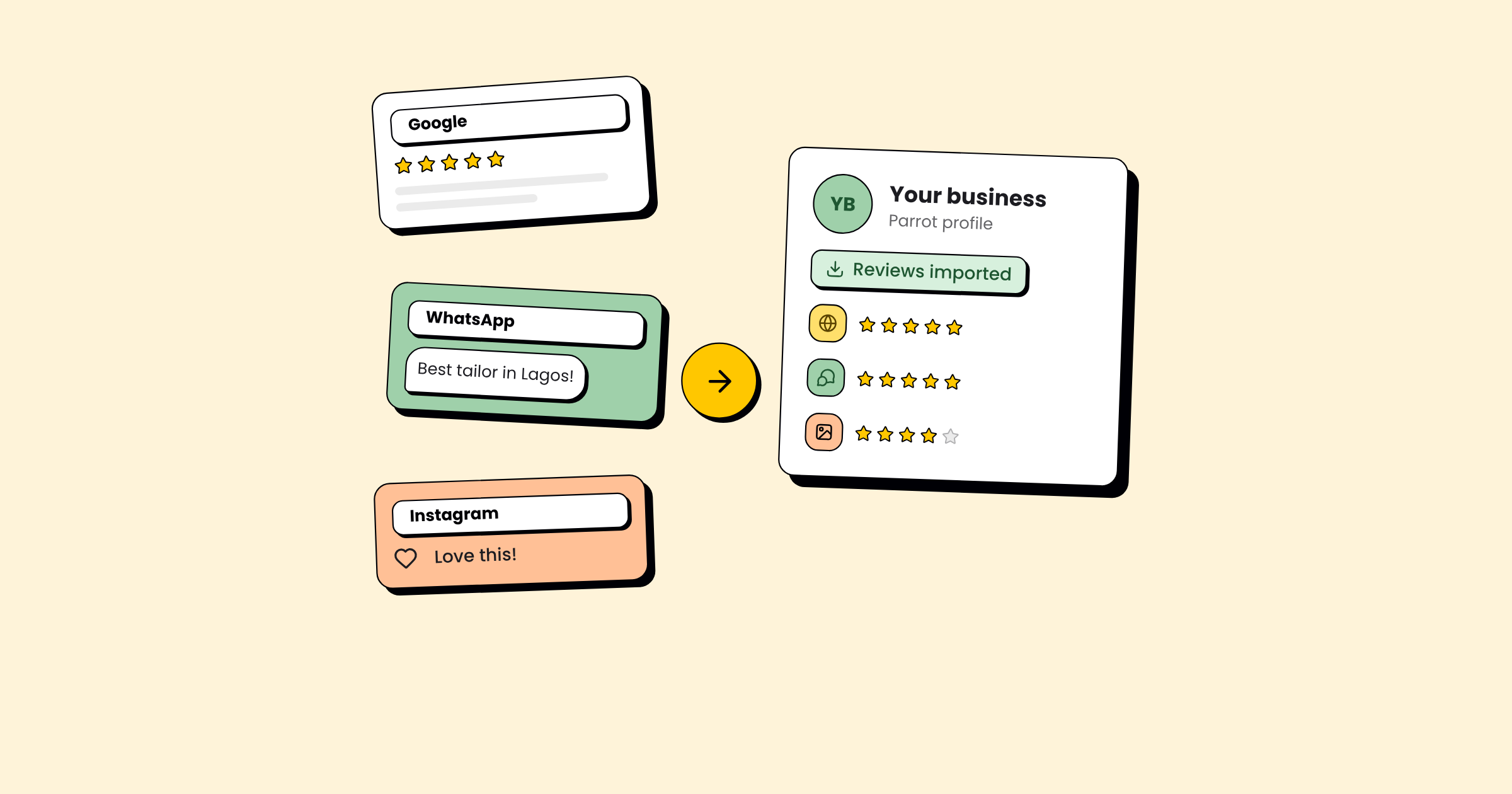

Yes. You can transfer Google reviews to Parrot, along with testimonials from WhatsApp, Instagram and other platforms. Parrot’s review import tool brings them together, so your reputation history lives in one place.
Many businesses have built years of good feedback across Google Business listings, WhatsApp chats and Instagram comments. Rather than starting from scratch, you can bring that feedback into Parrot and analyse it alongside new reviews.
Which reviews can you transfer to Parrot besides Google?
Supported sources include:
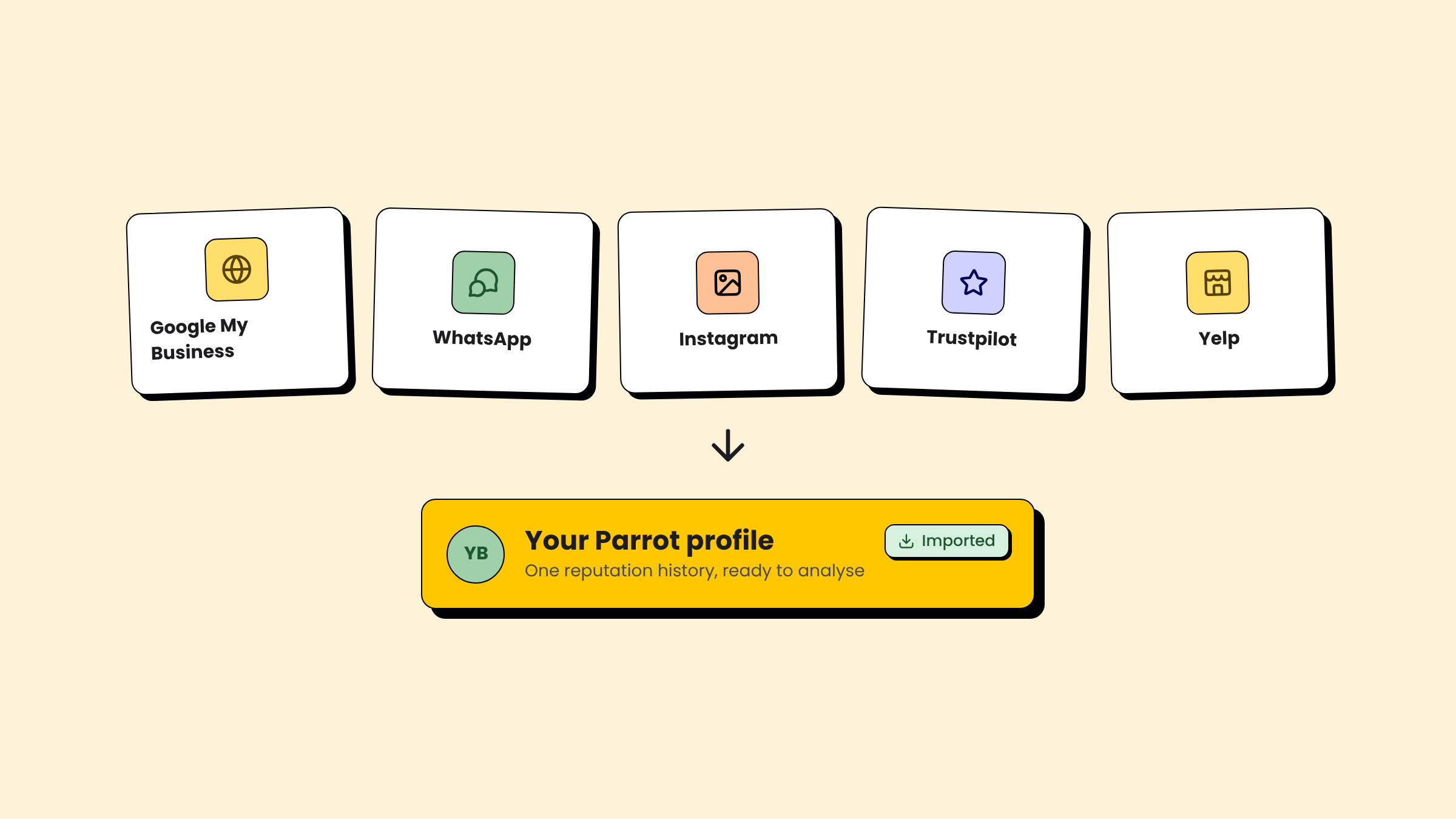
- Google My Business
- WhatsApp chat testimonials
- Trustpilot
- Yelp
How to transfer Google reviews to Parrot
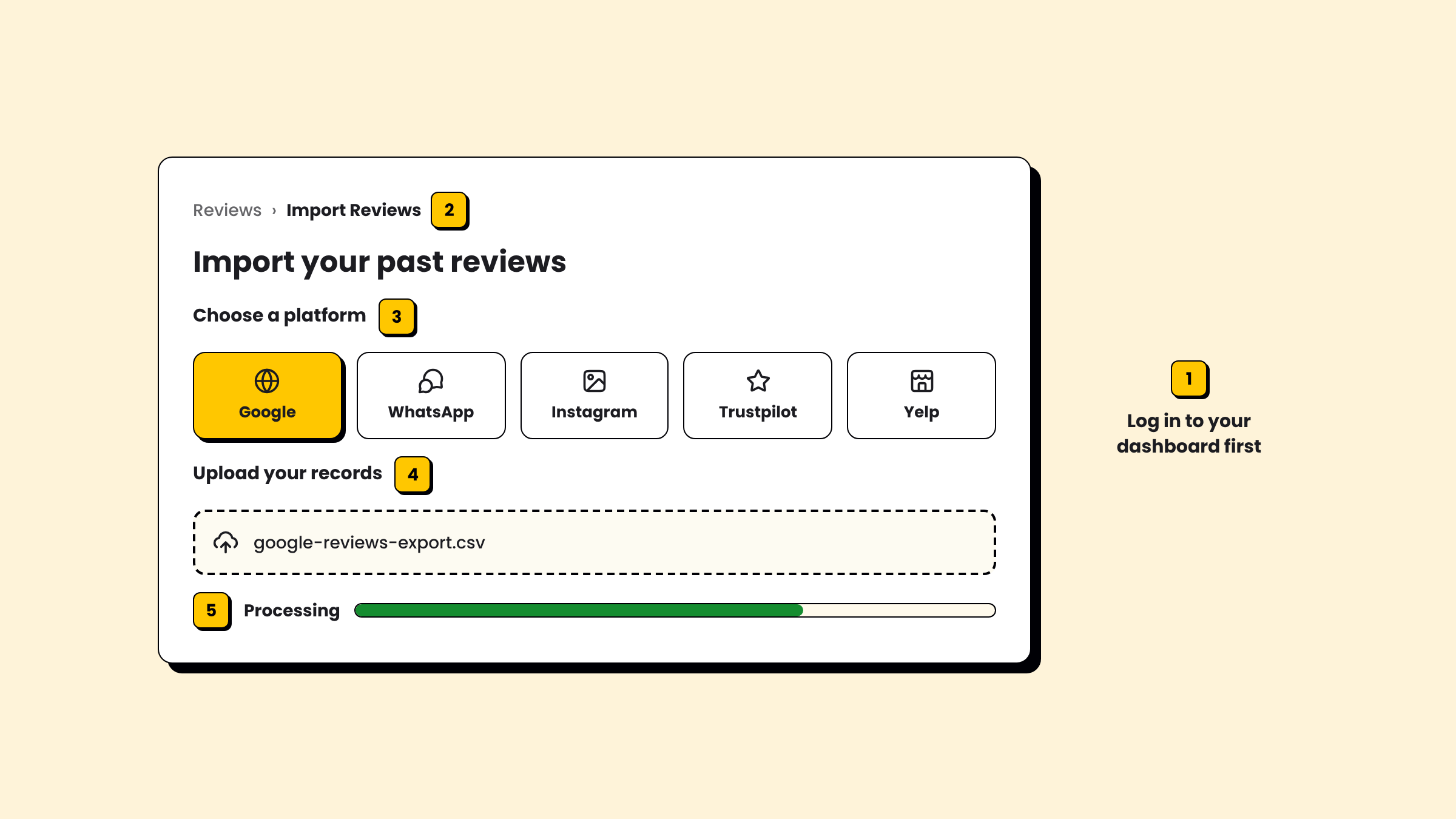
- Log in to your Parrot Business dashboard.
- Go to Reviews > Import Reviews.
- Select the platform you want to import from, such as Google My Business.
- Follow the prompts to upload your feedback records.
- Once Parrot processes them, your imported feedback appears in your analytics and profile history.
You can follow the same steps for WhatsApp, Instagram and your other sources.
How imported reviews work on Parrot
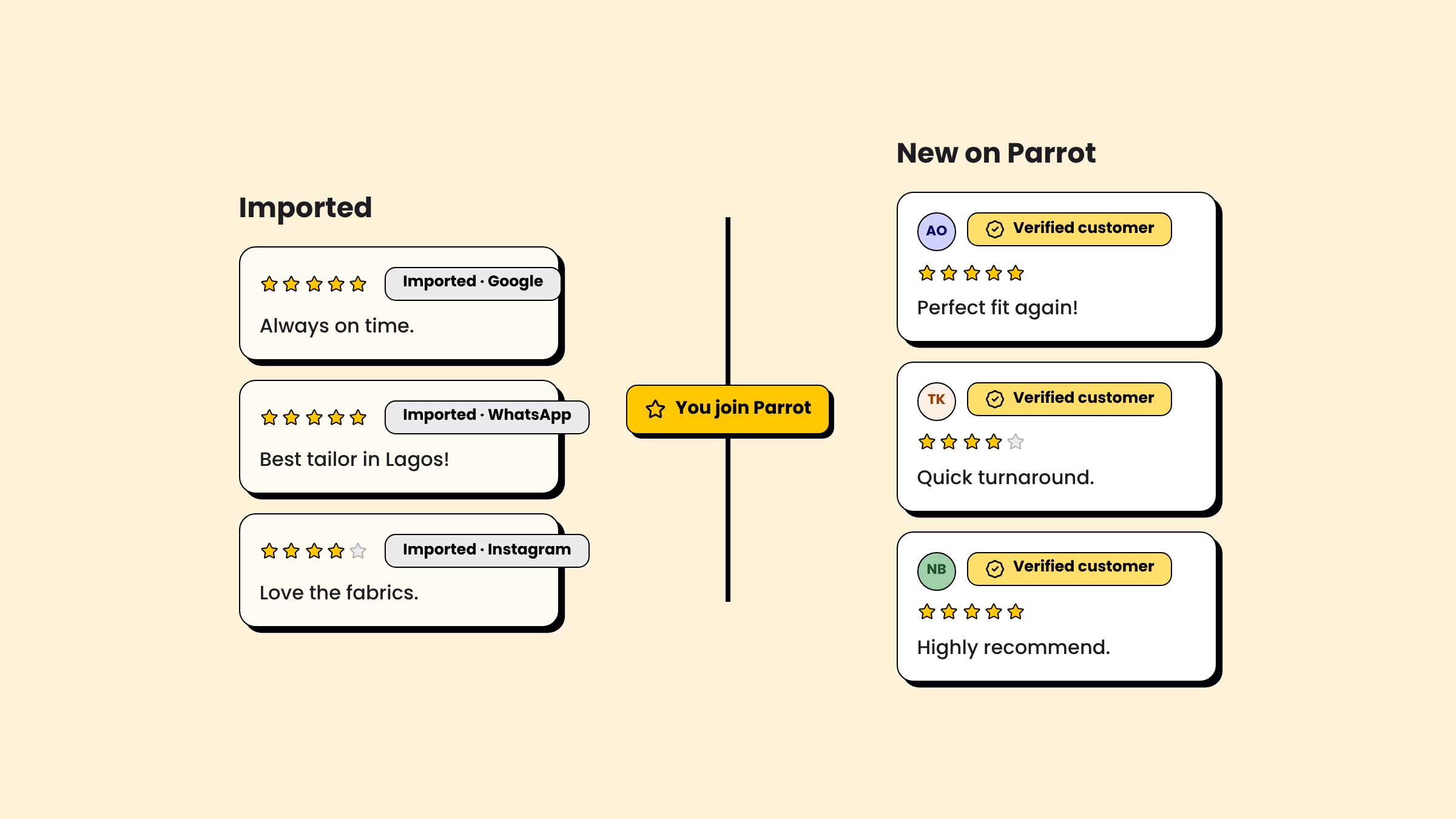
- One reputation history: Feedback from different platforms sits together, instead of being scattered across apps.
- Richer analytics: Imported feedback feeds into your dashboard, so your AI advisor and sentiment tools have more history to work with.
Why you should keep collecting new reviews
Imported reviews give you a head start. However, new chirps from verified customers keep your profile current and show buyers how you’re performing today. So once your import is done, start sharing your review link after every order.
Conclusion
You don’t have to start from zero on Parrot. When you transfer Google reviews to Parrot, along with WhatsApp, Instagram and other testimonials, your existing reputation lives in one place. In addition, your imported feedback feeds into your analytics, giving your AI advisor and sentiment tools more history to work with.
So bring in your past reviews first, then keep growing your profile with new chirps from current customers. To start collecting new reviews, read How to Create a Parrot Review Link or QR Code. You can begin your import from your dashboard on parrot.business.