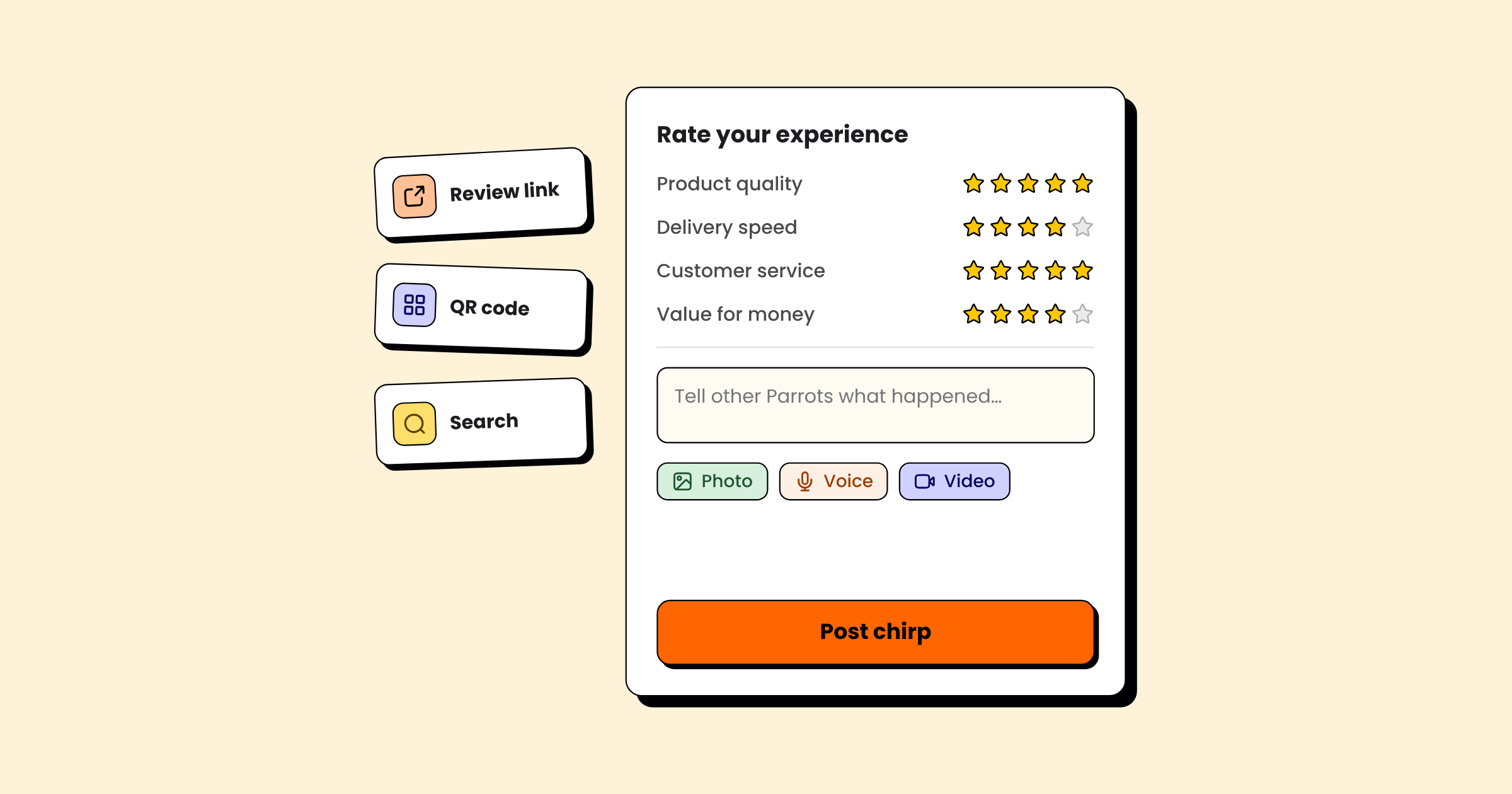

Here’s how to leave a review on Parrot. First, open the business’s review link or search for it in the Parrot app or web app. Next, rate the business from 1 to 5 stars on four metrics. Finally, add written, audio or video details about your experience.
Reviews on Parrot are called chirps. Unlike platforms with a single vague star rating, Parrot uses a structured process. As a result, every chirp is authentic, detailed and genuinely useful to other shoppers.
How to leave a review on Parrot, step by step
Step 1: Find the business
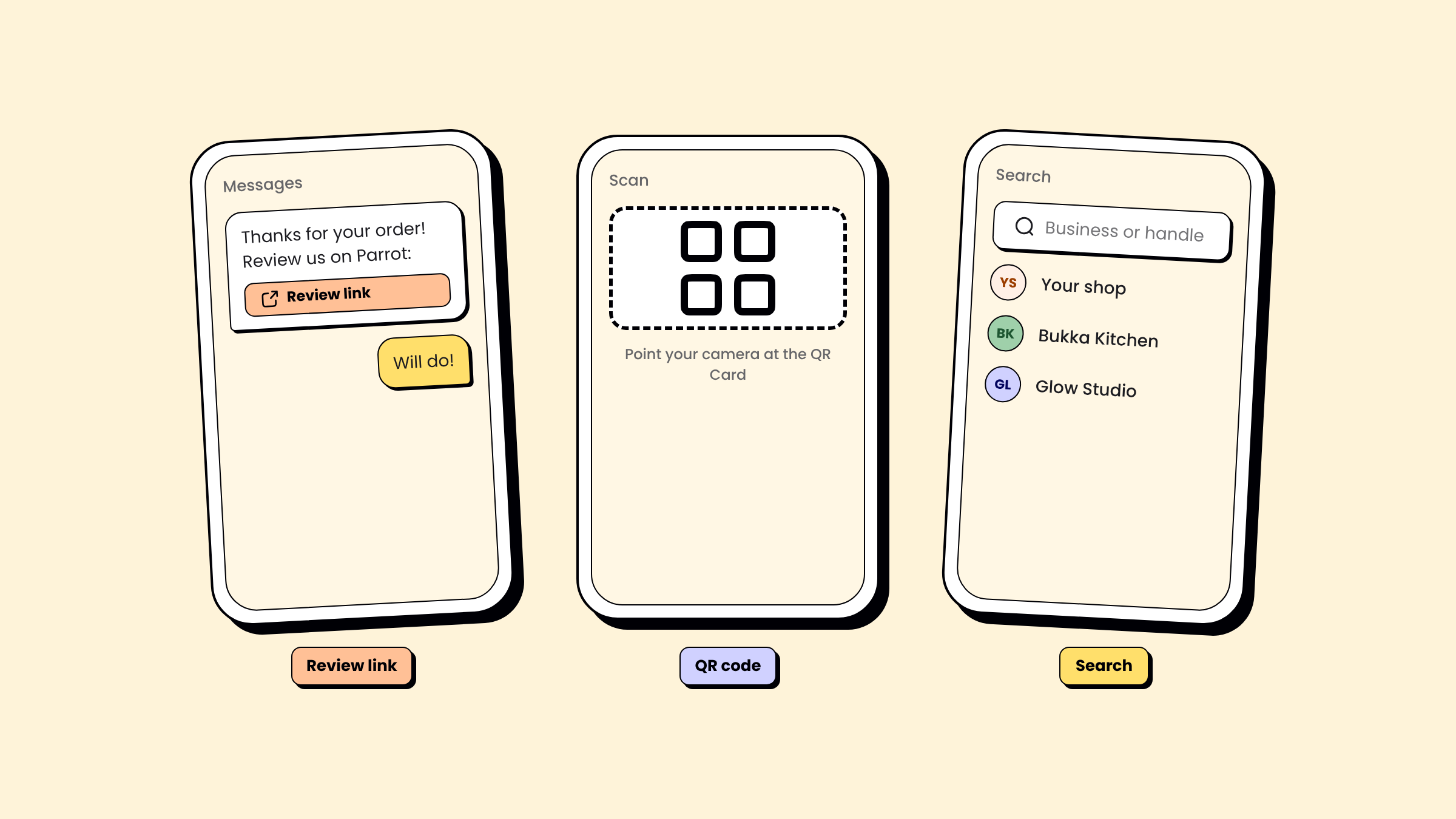
You can start a review in three ways:
- Review link: Click the link the business sent you on WhatsApp, SMS or social media.
- QR code: Scan the business’s Parrot QR code on packaging, at the counter or online.
- Search: Open parrot.cx or the Parrot app, tap the search bar and type the business name or social handle.
Step 2: Rate four performance metrics
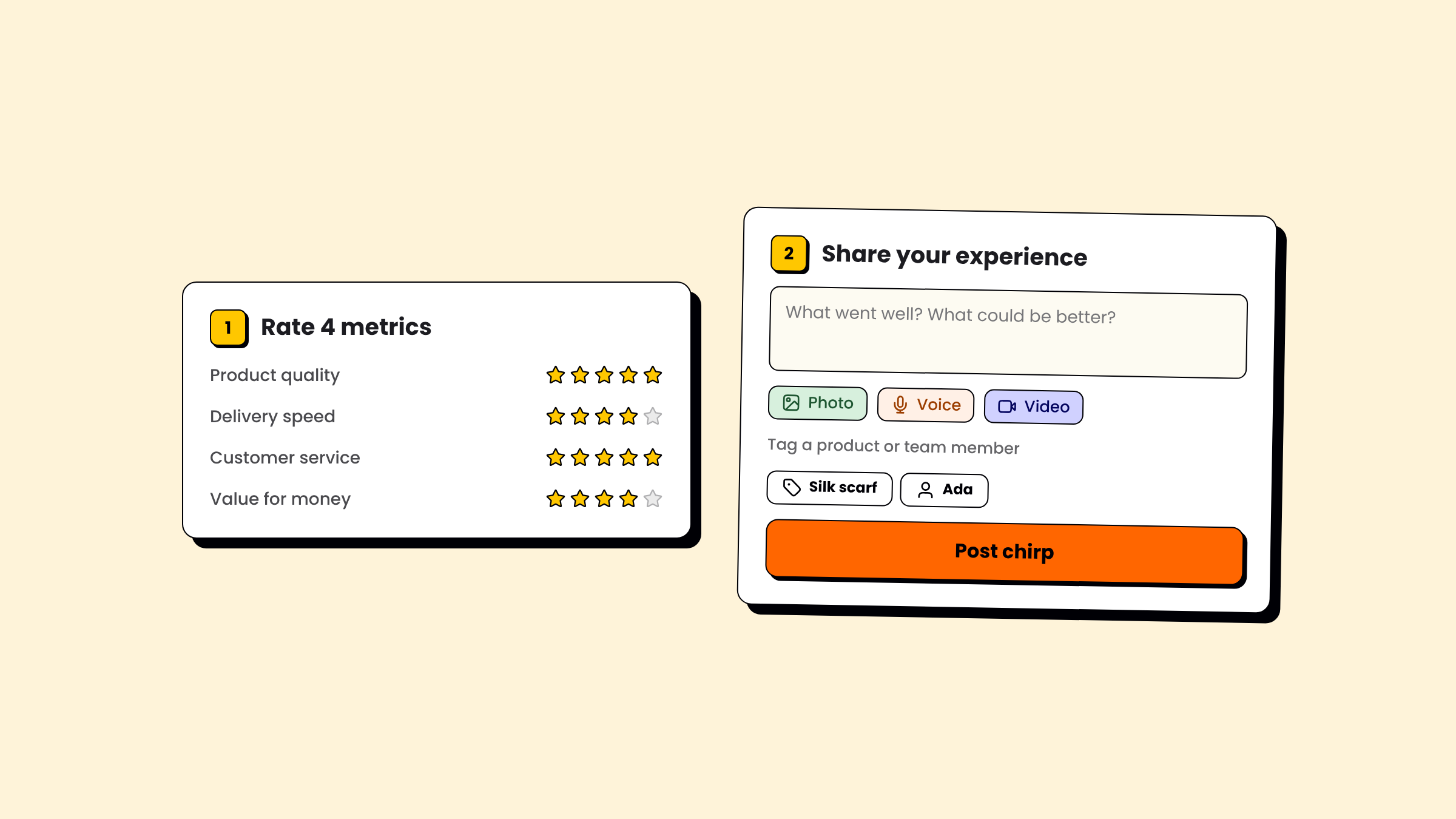
Instead of one vague rating, Parrot asks you to rate four specific metrics from 1 to 5 stars. These metrics depend on the industry. For example:
- Restaurants: Food quality, wait time, customer service and value for money.
- Fashion and apparel: Product quality, delivery speed, customer service and value for money.
The average of your four scores then becomes your Review Score.
Step 3: Share your experience
Next, add detail to your rating:
- Text: Write about what went well or what could improve.
- Media (optional): Upload photos of your order, or record an audio or video review in the app.
- Tags (optional): Tag the products you bought or the team members who served you.
Step 4: Verify and publish
To keep out bots and smear campaigns, Parrot asks you to confirm your phone number. Once you verify it, your chirp appears straight away on the business’s public profile and in the social feed.
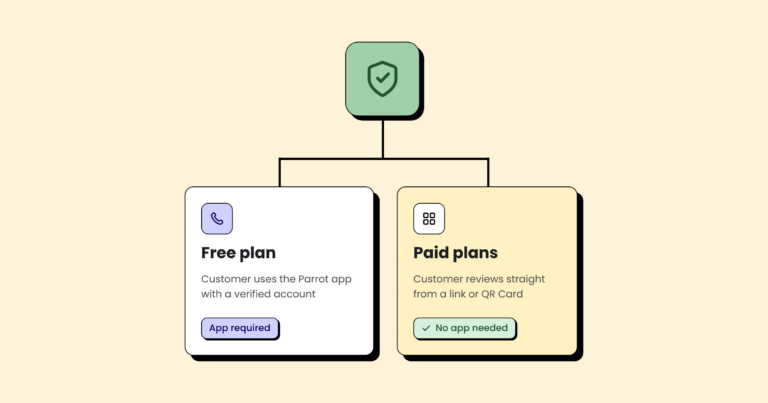
Whether you need a full Parrot account depends on the business’s plan. To learn more, read Do Customers Need a Parrot Account to Leave a Review?
What happens after you leave a review on Parrot?
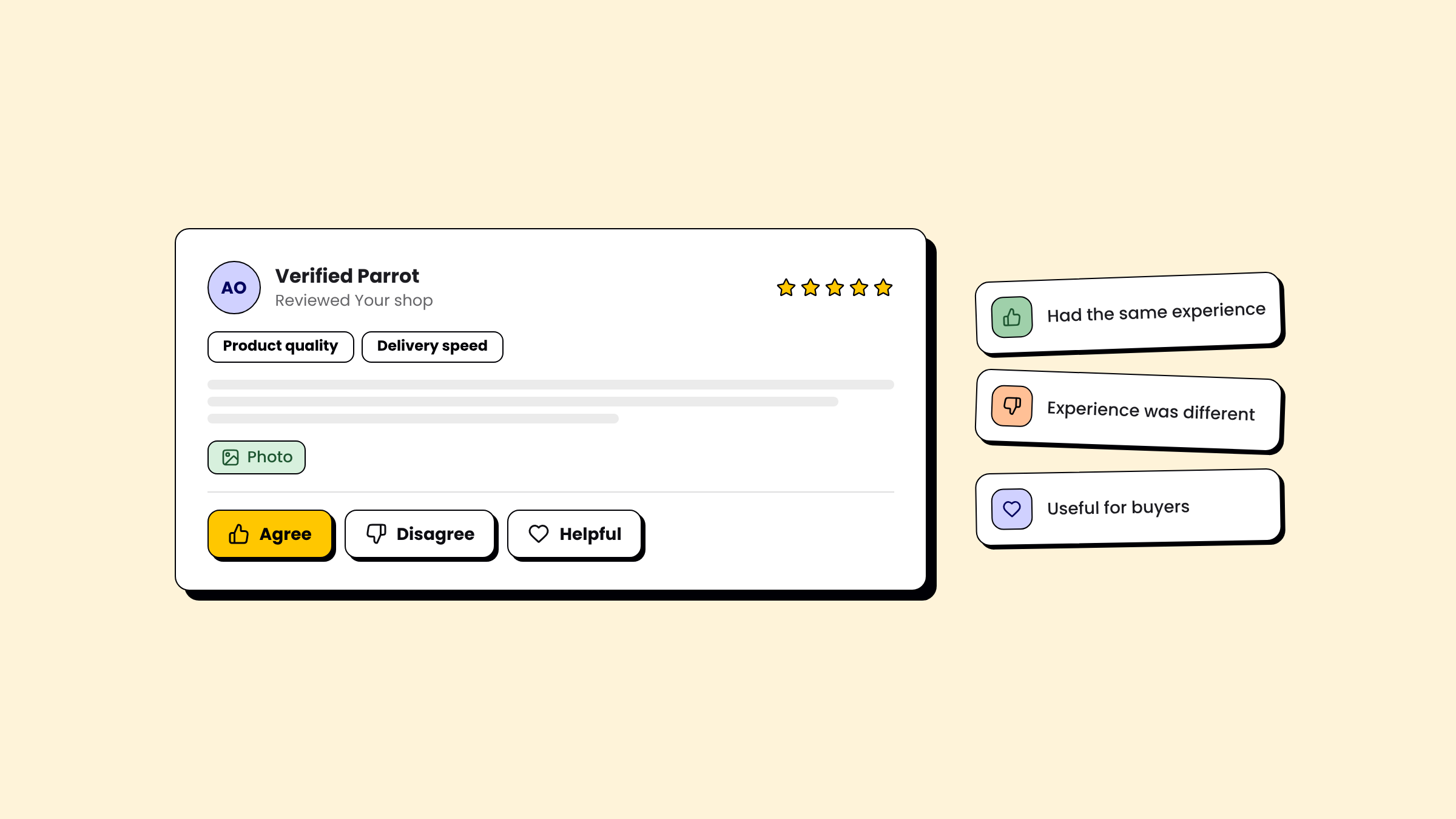
Once your review goes live, other customers in the community can react to it:
- Agree: Click Agree if you bought from the business and had a similar experience.
- Disagree: Click Disagree if your experience was different.
- Helpful: Mark the review as helpful for other buyers.
Conclusion
Now you know how to leave a review on Parrot: open the business’s link, QR code or profile, rate the four metrics, share your experience and verify your phone number. Because every chirp is structured and tied to a real person, your review gives other shoppers reliable information. It also helps good businesses stand out.
So the next time you buy from a vendor, take a moment to chirp about your experience. Your review could save another buyer from a bad purchase, or point them to a business worth trusting.