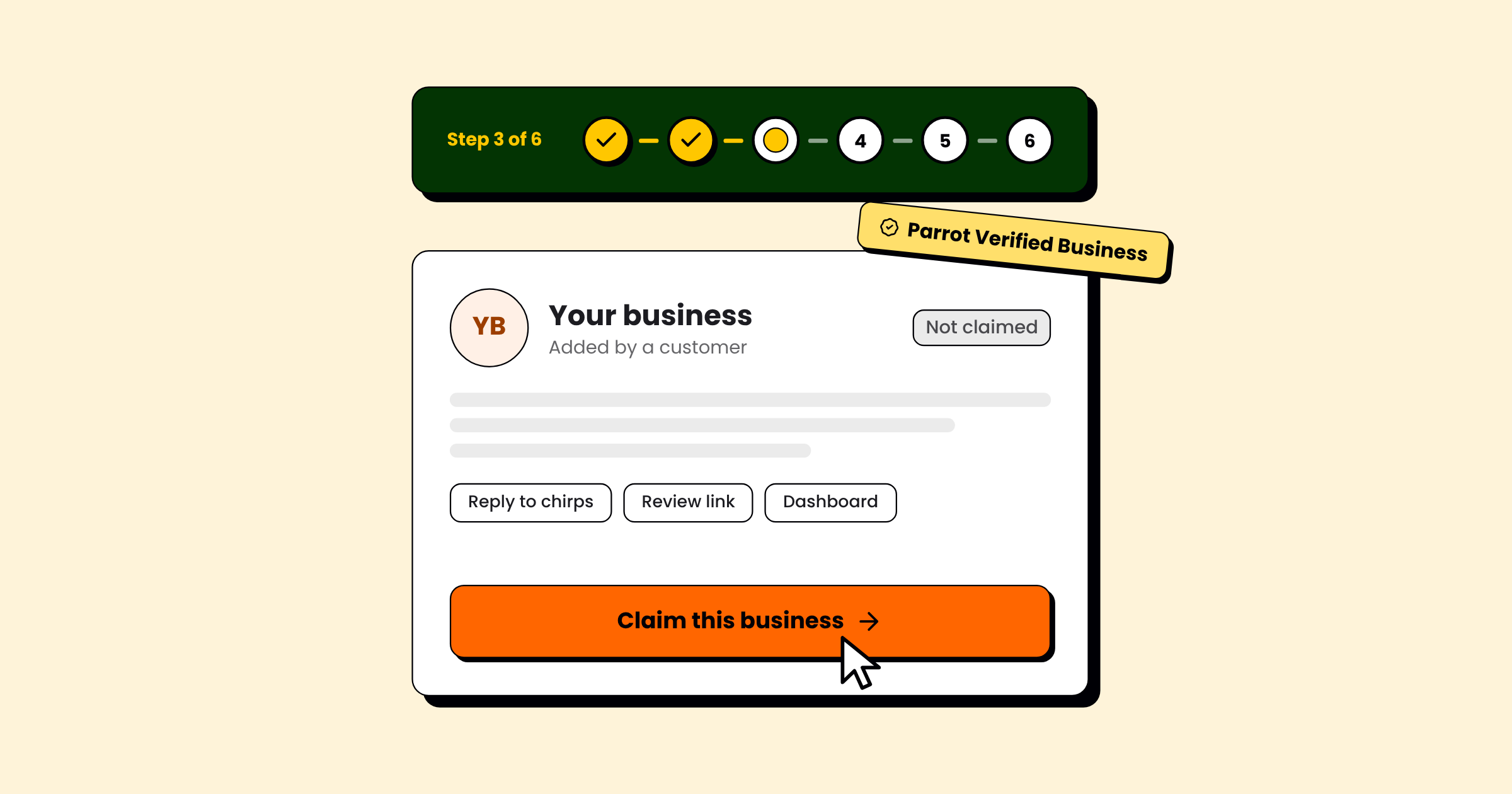

To claim your business on Parrot, sign up or select Claim This Business on your profile. Then complete the verification process to take ownership.
Customers often add businesses to Parrot themselves. For example, they may create an entry when they ask a question with Ask Parrots or leave a review. So your business might already have a page, even if you’ve never signed up.
Claiming that page lets you control your public profile and reply to reviews. It also gives you access to your dashboard and helps prevent impersonation.
How to claim your business on Parrot, step by step
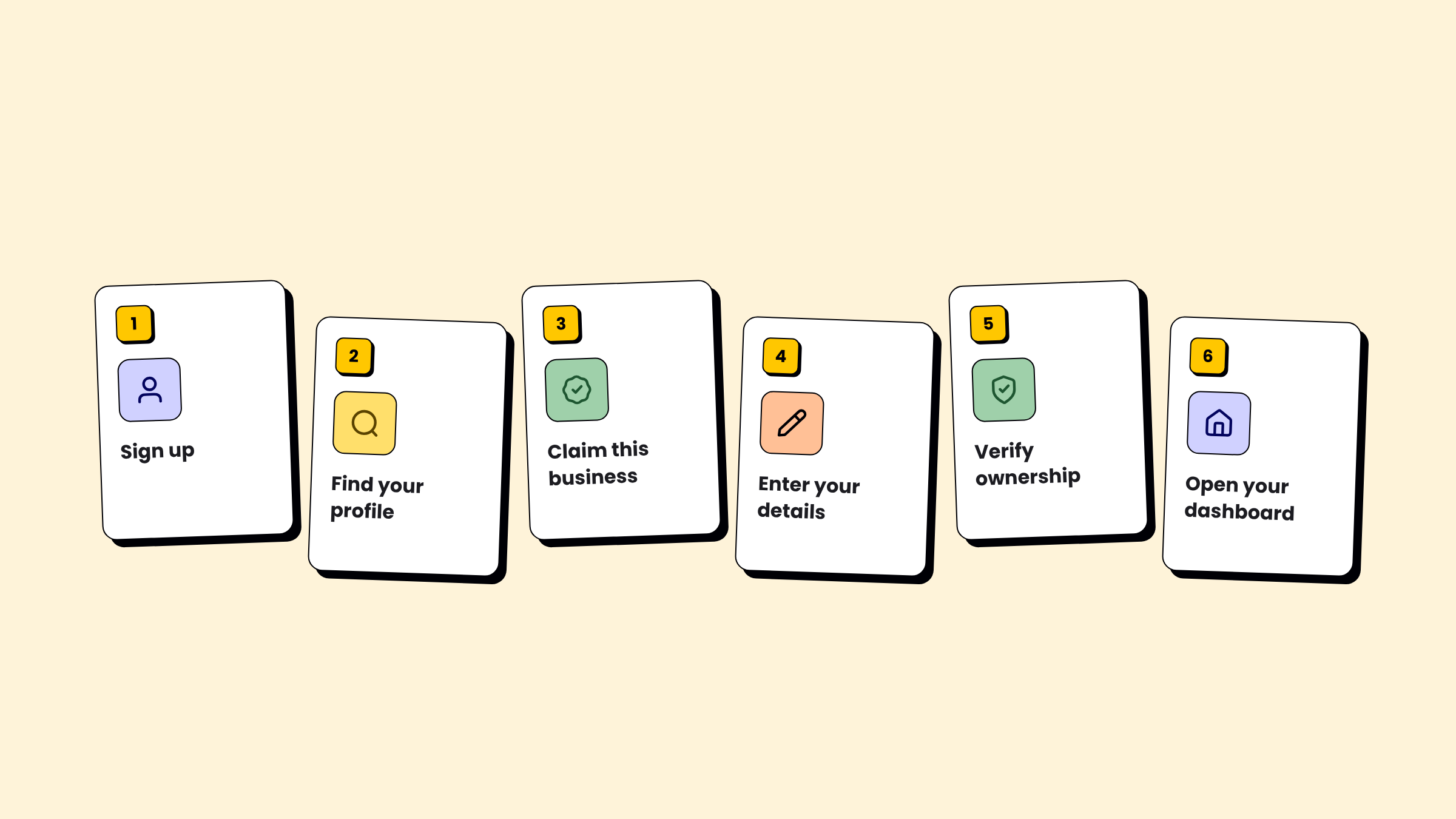
- Sign up or start a claim. Sign up directly on parrot.business, or click Claim Your Business.
- Find your profile. Look through the search results and open your business profile. Then check that the details match your business.
- Select Claim This Business. You’ll find this prompt on your public business profile.
- Enter your business information. Add your business details, category, active phone number and social media handles.
- Complete verification. Small businesses provide their NIN and bank details. Medium businesses provide their CAC registration certificate. Both also complete phone or social verification.
- Open your dashboard. Once Parrot confirms your claim, you get admin access. From there, you can manage your Parrot Page, review your live Parrot Score and reply to chirps.
What happens after you claim your business on Parrot?
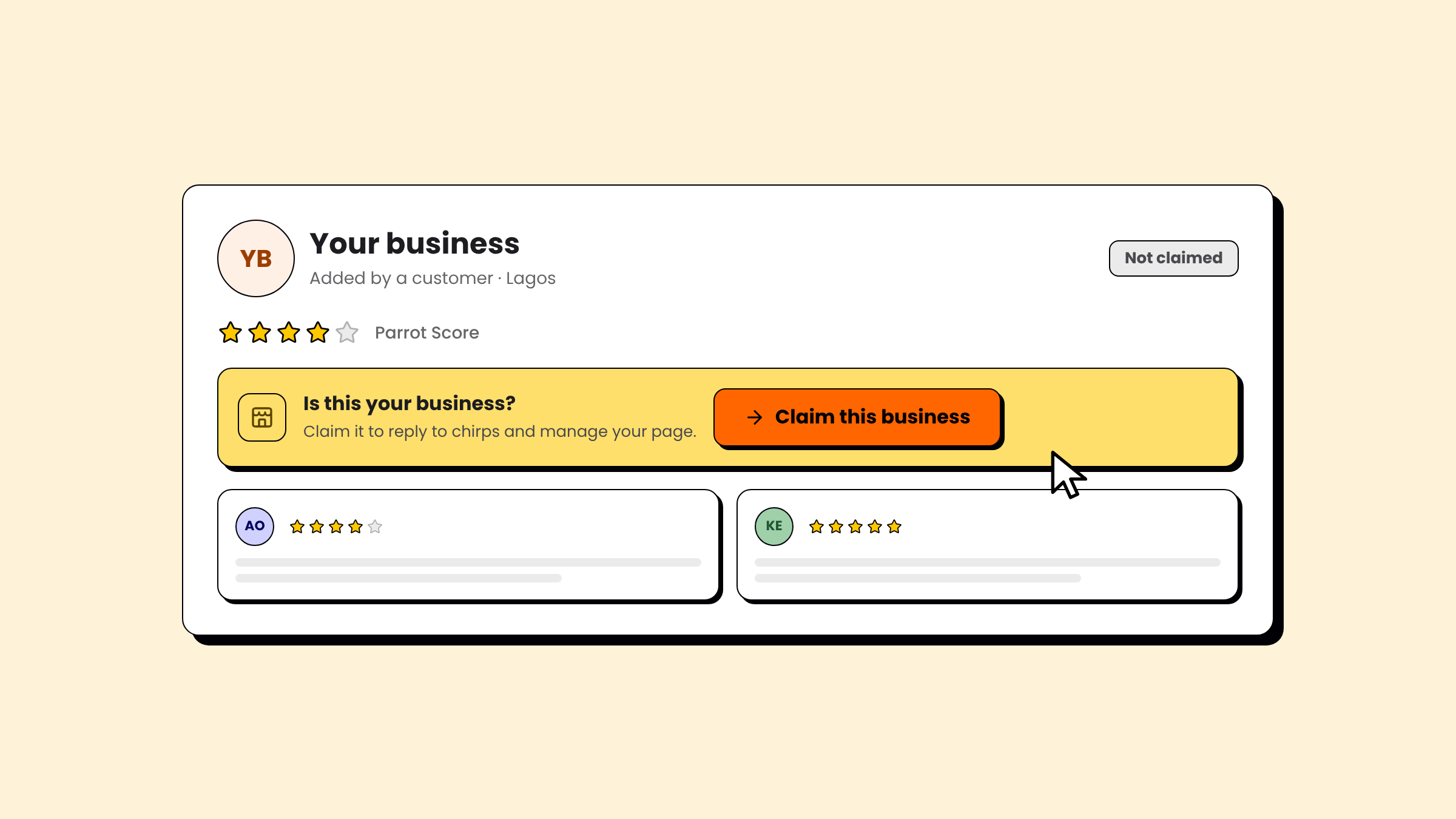
Once you claim your business, you can start managing your reputation straight away:
- Check your Parrot Score. See how customers currently rate you across the four metrics.
- Reply to chirps. Respond to existing reviews publicly and show buyers you care.
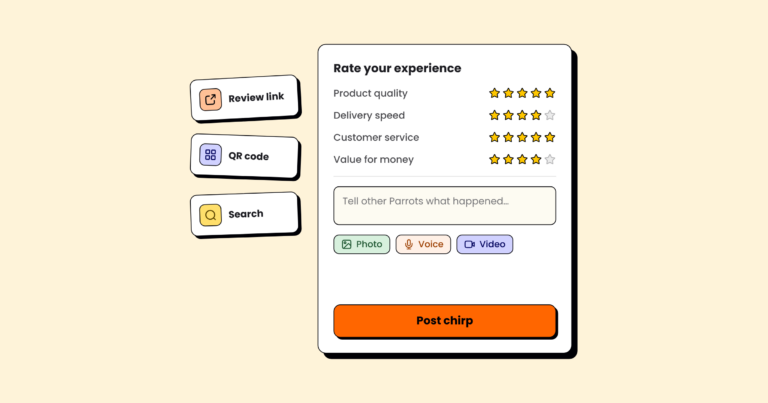
- Collect new reviews. Generate your review link or QR code and share it after every order.
- Show your reputation. Embed review widgets on your checkout and product pages.
What if your business isn’t listed yet?
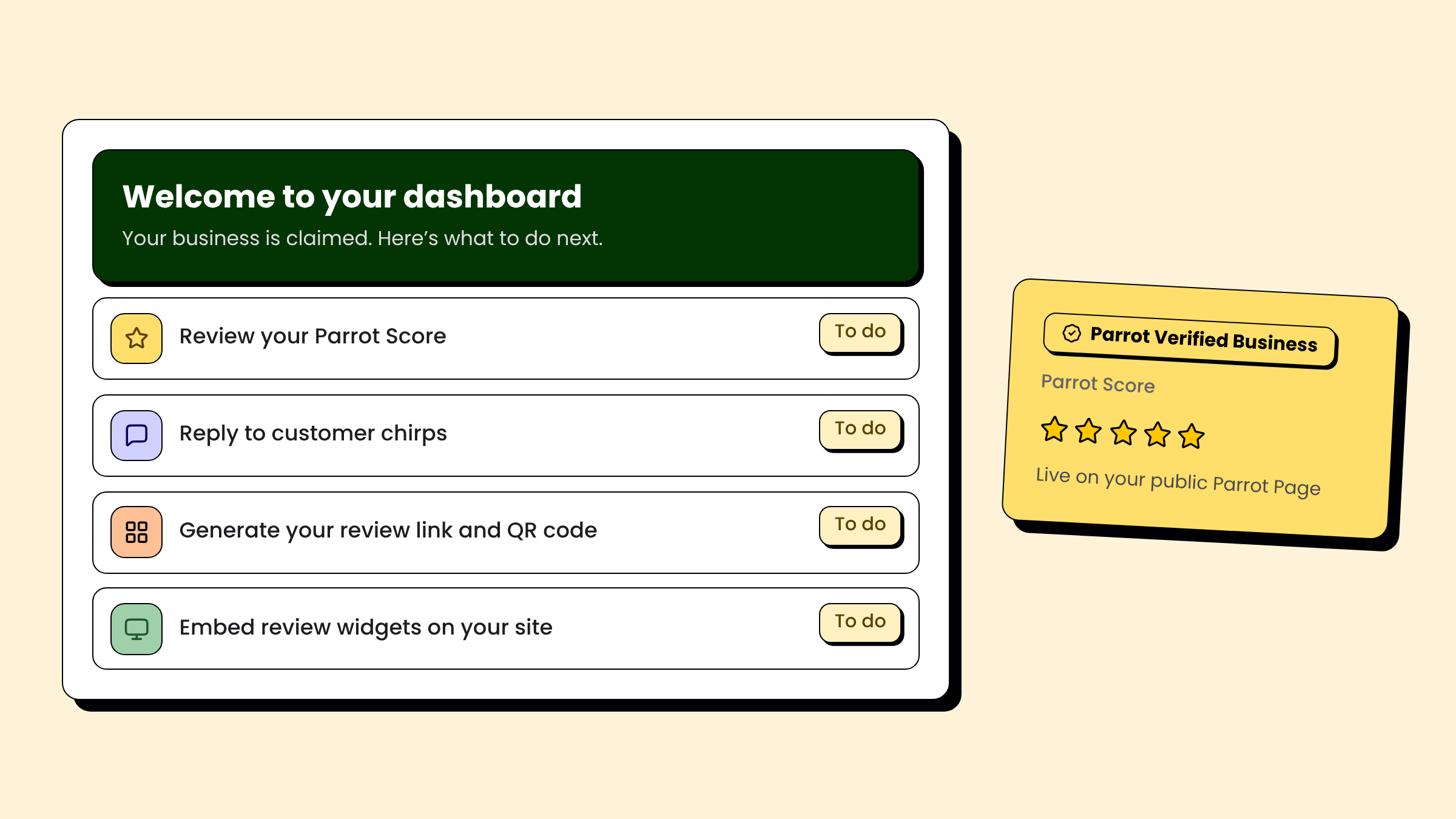
If you can’t find your business, there’s nothing to claim. Instead, you can create a new profile from scratch on parrot.business. The process takes only a few minutes, as How Long Does It Take to Set Up a Parrot Business Profile? explains.
Also, you can still verify without CAC registration. Read Do You Need CAC Registration to Create a Parrot Business Profile? to see which details you need.
Conclusion
When you claim your business on Parrot, you control how buyers see you. Rather than leaving a customer-created page unattended, you confirm ownership, reply to chirps and collect new reviews with your own link and QR code. In addition, claiming protects your brand from impersonation.
So if your business is already listed, claim it today. If not, create your profile on parrot.business in a few minutes.